
Search results
Known sites use stable selectors first to reduce false pagination hits.
 Arrow Navigation
Chrome Extension
Arrow Navigation adds previous and next shortcuts for search results, lists, forums, and reading pages that do not support keyboard pagination.
Left for previous, right for next
Reproducible screenshots show how different site structures, reading directions, and pagination labels are detected.
Known sites use stable selectors first to reduce false pagination hits.
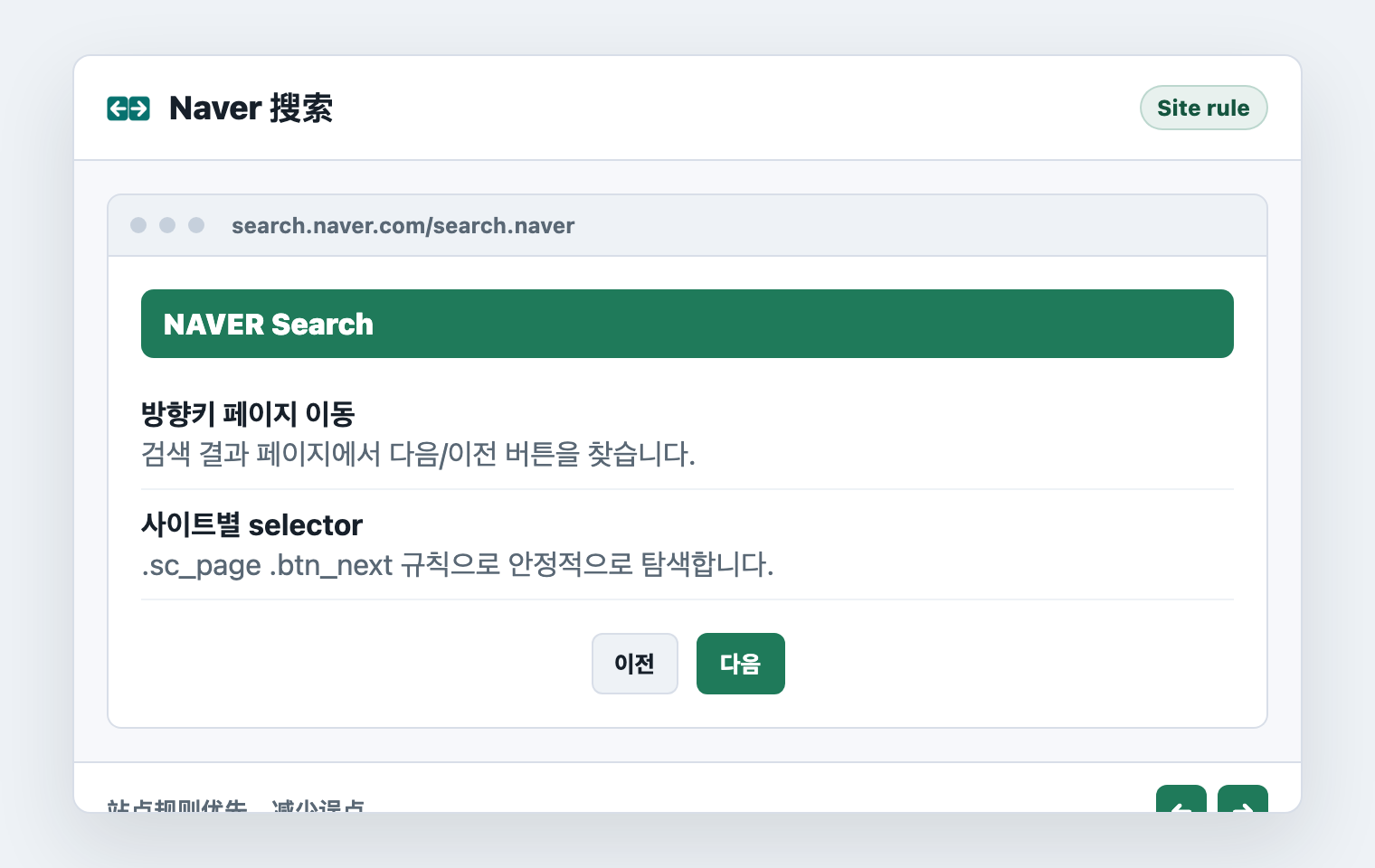
Dedicated rules avoid similar navigation labels on complex search pages.
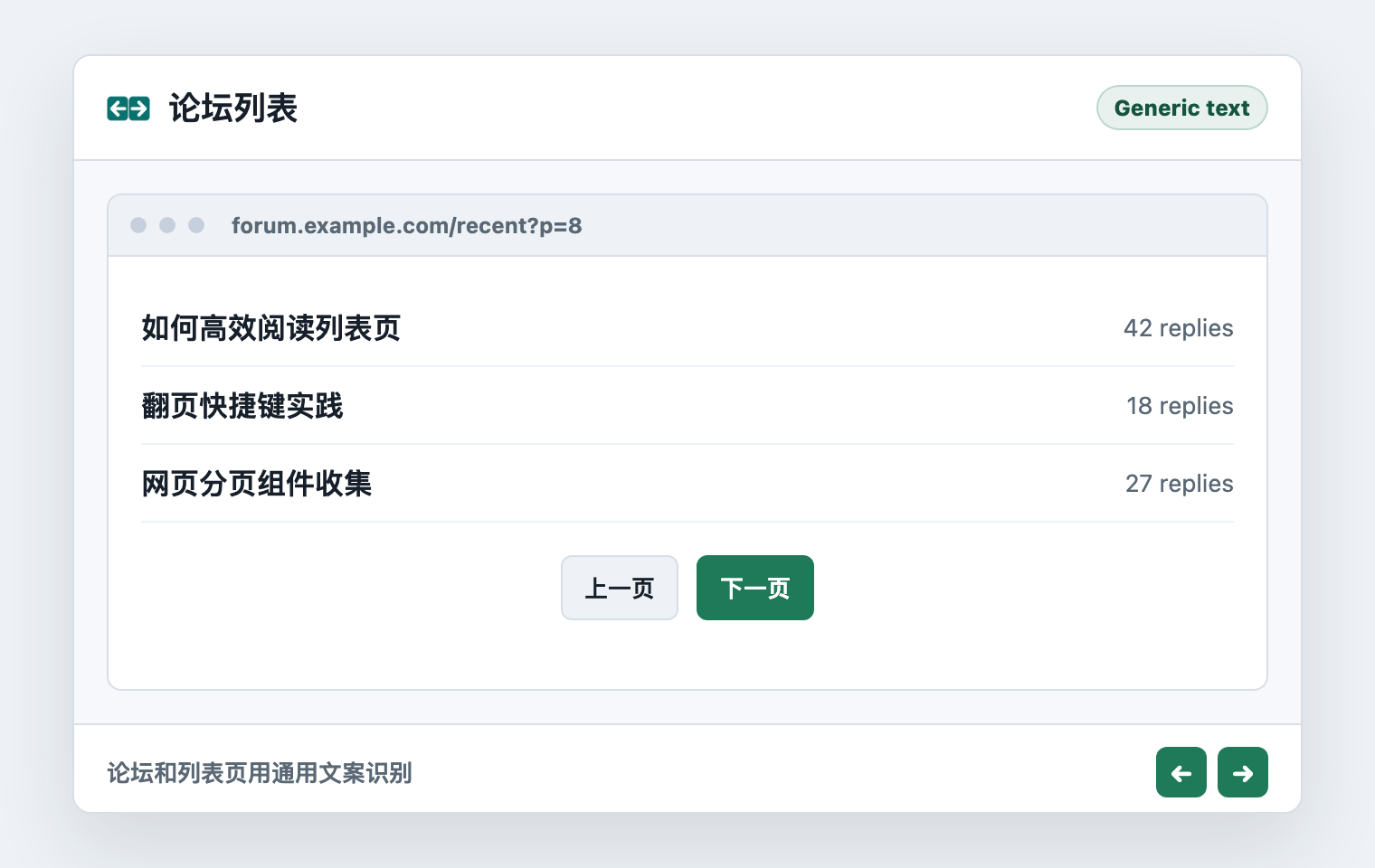
Generic pages are detected through common previous and next labels.
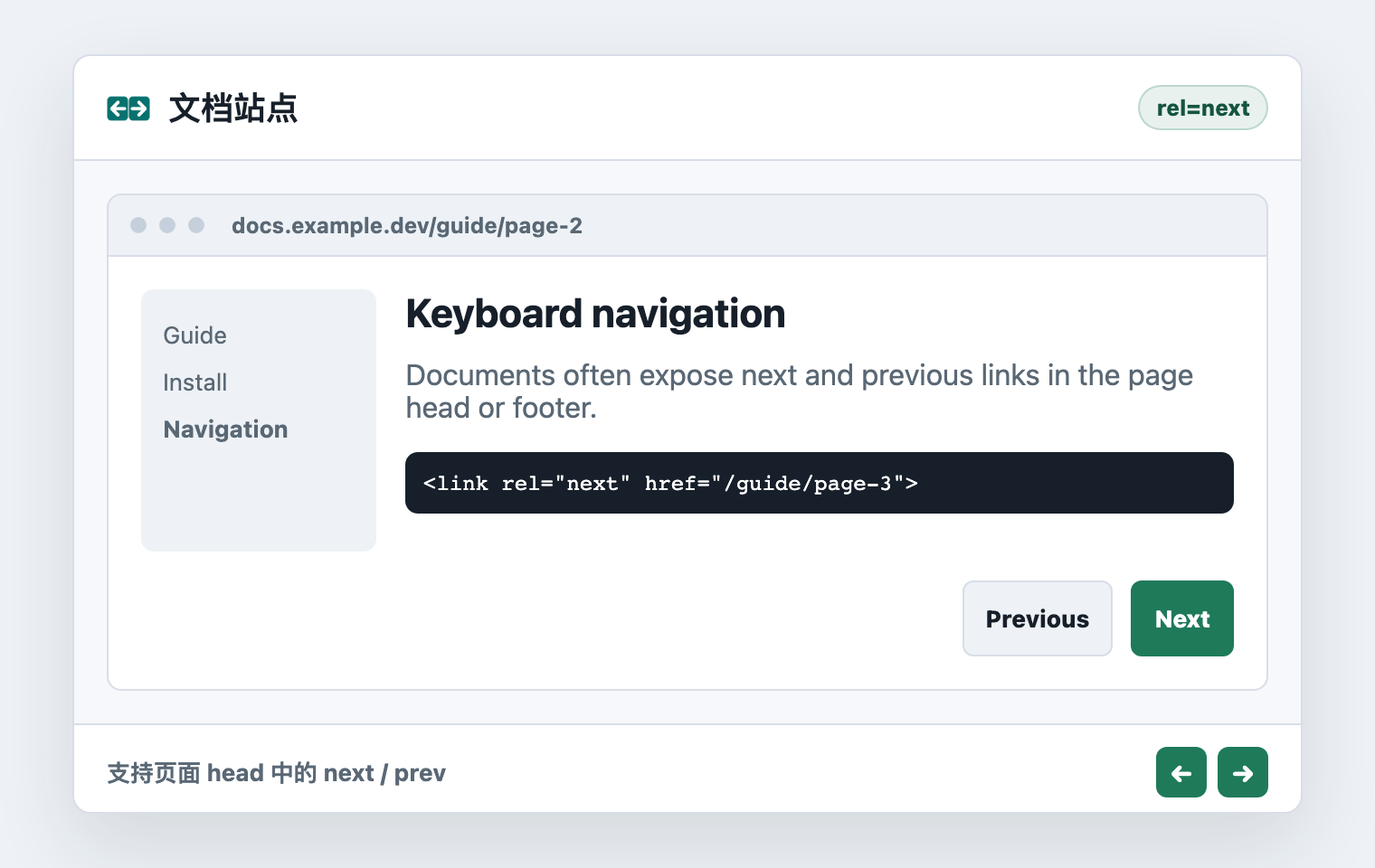
Standard rel="next" and rel="prev" links are recognized.
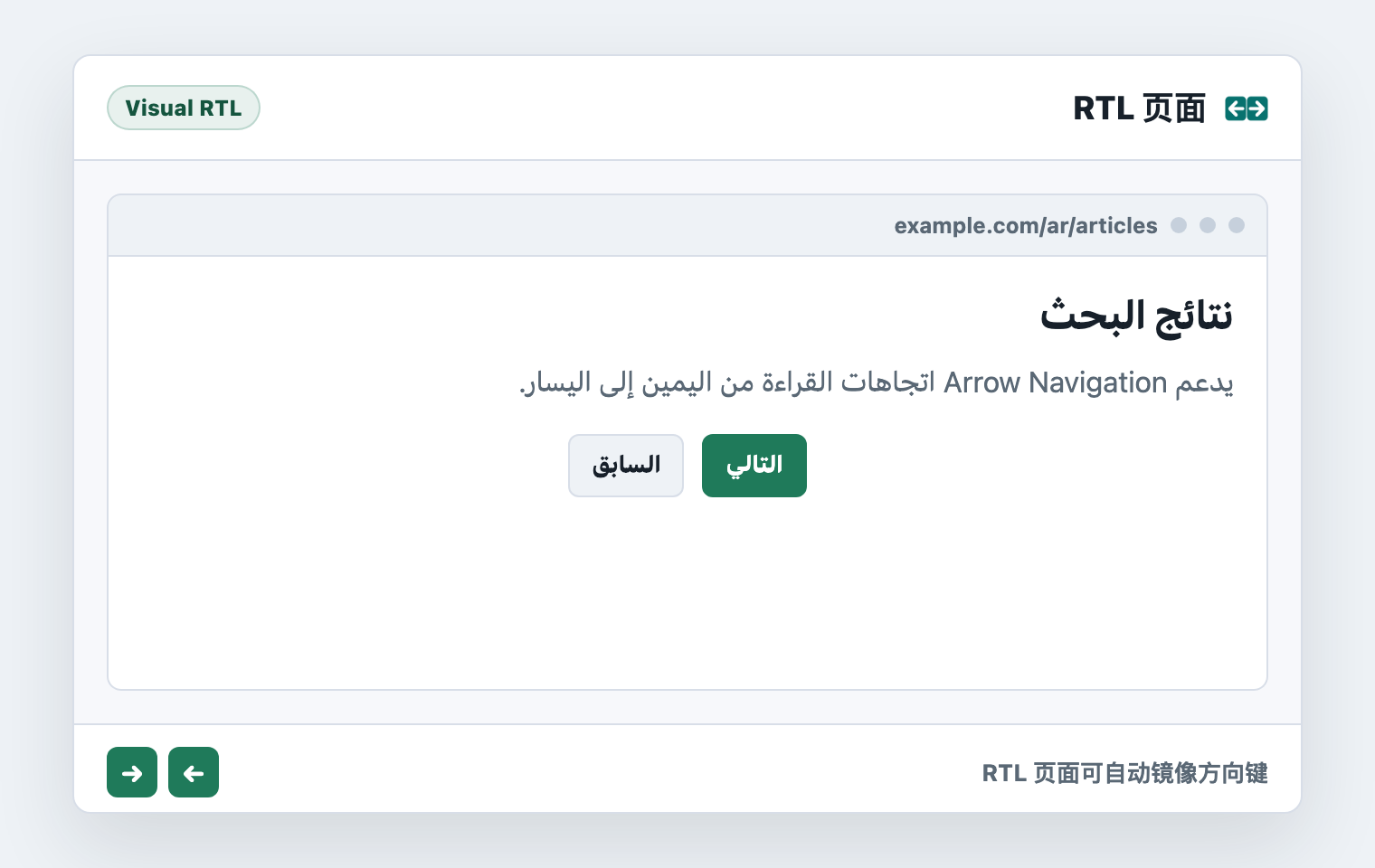
Arabic, Hebrew, and similar pages can mirror keys by visual direction.
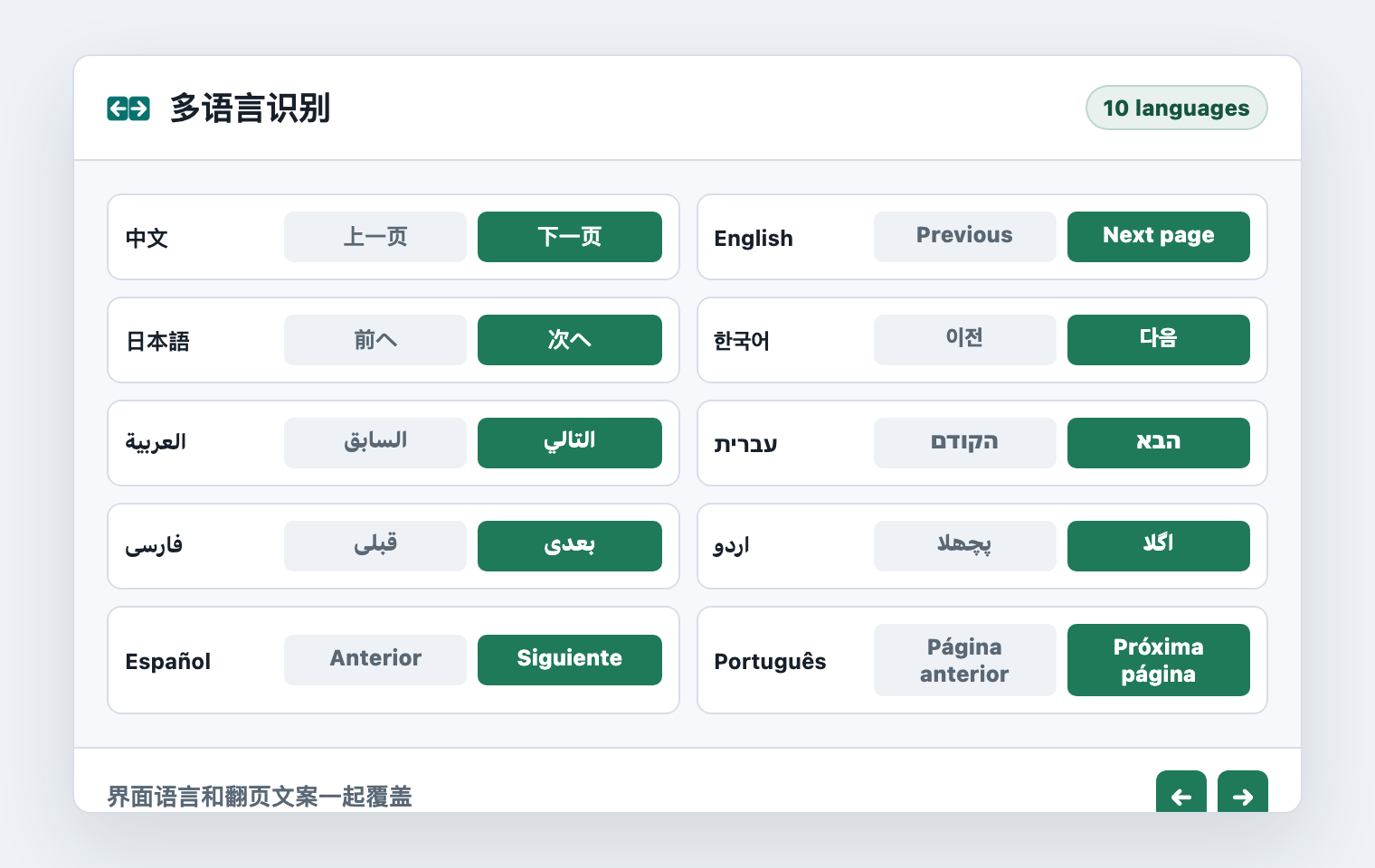
Chinese, English, Japanese, Korean, and RTL pagination labels are covered.
Covers search results, forum lists, documentation sites, and multilingual pagination labels.
Arrow keys are not intercepted inside inputs, textareas, selects, or editable areas.
Sites that do not fit arrow-key pagination can be disabled from the extension popup.
The extension only looks for trusted previous and next targets during normal browsing. Form input, text editing, and disabled sites are skipped.
Pagination candidates are evaluated in the current page, without sending page content to an external service.
Information is sent only when you submit a site request or comment.
The usage boundaries and privacy questions people ask before installing.
No. Arrow keys are not intercepted inside inputs, textareas, selects, or editable areas.
It includes rules for Google, Naver, and common sites, plus generic pagination text and standard rel links.
Submit a support request from the extension popup; public status can be shown on this site.
Detection happens in the page. Content is sent only when you submit a support request or comment.
Feedback and Site Support
For unsupported sites, submit a support request from the extension popup. For other suggestions, leave a comment here.